---
title: "How to generate a sitemap with Lovable reliably, without hallucinations | Encited Blog"
description: "Once your pages start to grow, you will inevitable start running into this issue where Lovable will start adding non-existent urls to your sitemap or leaving some of them out. In this blog, I will show you how to programmatically create new sitemaps for your pages every time you publish your site with prompts."
lang: en
json-ld: |
[
{
"@context": "https://schema.org",
"@type": "BreadcrumbList",
"itemListElement": [
{
"@type": "ListItem",
"position": 1,
"name": "Home",
"item": " https://encited.com/"
},
{
"@type": "ListItem",
"position": 2,
"name": "Blog",
"item": " https://encited.com/blog"
},
{
"@type": "ListItem",
"position": 3,
"name": "How to generate a sitemap with Lovable reliably, without hallucinations",
"item": " https://encited.com/blog/how-to-generate-sitemap-on-lovable"
}
]
},
{
"@context": "https://schema.org",
"@type": "Article",
"headline": "How to generate a sitemap with Lovable reliably, without hallucinations",
"description": "Once your pages start to grow, you will inevitable start running into this issue where Lovable will start adding non-existent urls to your sitemap or leaving some of them out. In this blog, I will show you how to programmatically create new sitemaps for your pages every time you publish your site with prompts.",
"image": " https://encited.com/blog/thumbnails/sitemap-thumbnail.webp",
"datePublished": "2025-11-12",
"dateModified": "2025-11-12",
"author": {
"@type": "Person",
"name": "Aki from Encited"
},
"publisher": {
"@type": "Organization",
"name": "Encited.com",
"alternateName": "LovableHTML.com",
"logo": {
"@type": "ImageObject",
"url": "https://encited.com/brand/logo.svg"
}
},
"mainEntityOfPage": {
"@type": "WebPage",
"@id": " https://encited.com/blog/how-to-generate-sitemap-on-lovable"
}
}
]
---
[](/)
- Features
- Resources
[Pricing](/pricing)Login[Contact Sales](/contact-sales)Get started free
Get started free
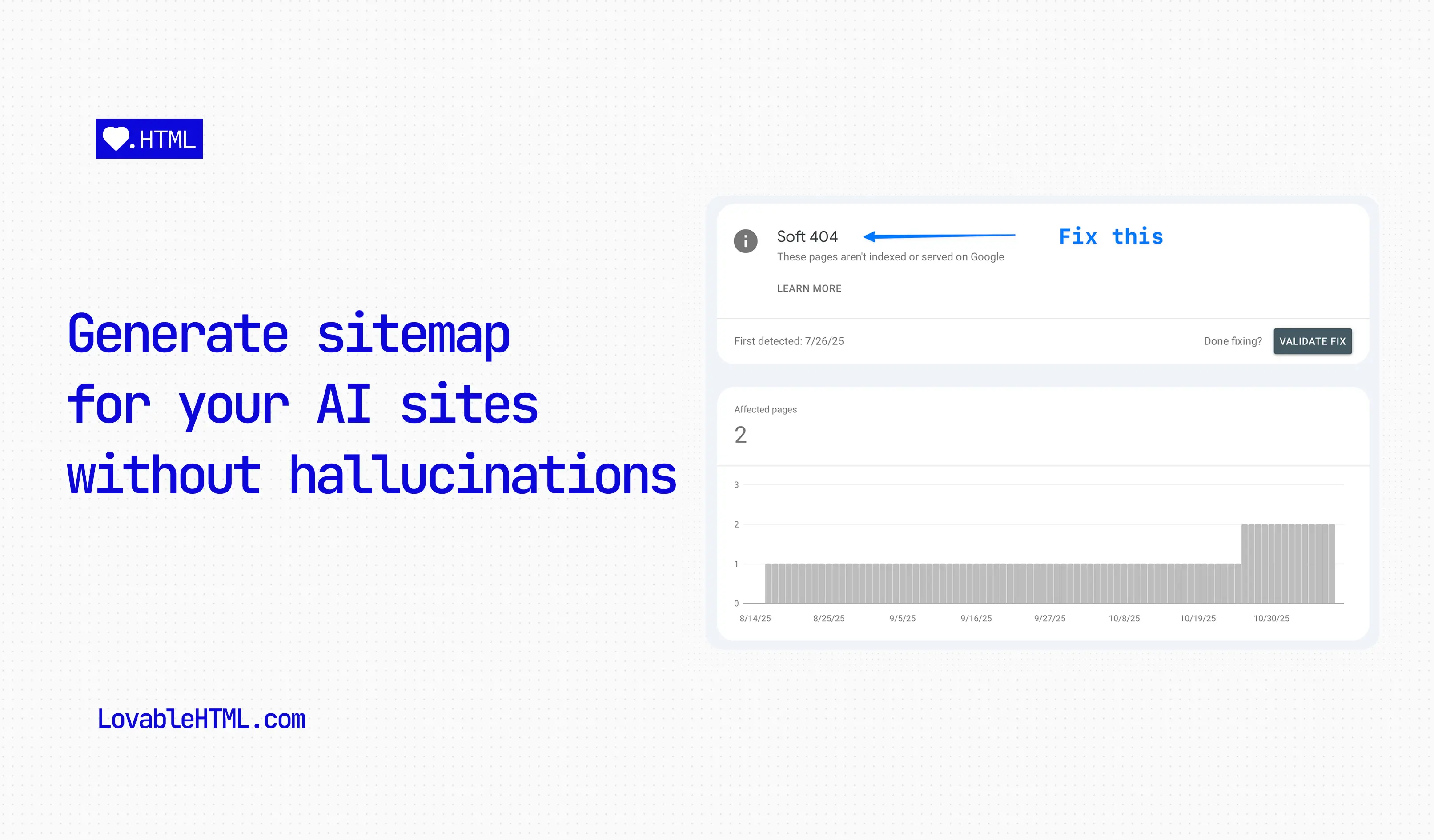
# How to generate a sitemap with Lovable reliably, without hallucinations
November 12, 2025 · by Aki from Encited
Once your pages start to grow, you will inevitable start running into this issue where Lovable will start adding non-existent urls to your sitemap or leaving some of them out. In this blog, I will show you how to programmatically create new sitemaps for your pages every time you publish your site with prompts.
Open in ChatGPT
Table of contents
In this guide, I'll walk you through how to create a script that automatically generates a perfect, up-to-date sitemap by reading your application's routes directly. We'll also create a simple Vite plugin to run this script automatically every time you build your project.
If you're looking to improve your Lovable app's search visibility further, check out our [complete Lovable SEO guide](/blog/fix-lovable-seo), and then [prerender your Lovable site](/prerender-lovable) so crawlers can actually read the pages your sitemap exposes.
Let's get started.
### [](#step-1-create-the-script-and-install-dependencies)Step 1: Create the Script and Install Dependencies
First, we need to install a couple of packages to parse our App.tsx. The script relies on `@babel/parser` to understand the structure of your routes. Run the following command in your terminal or ask Lovable to run it for you:
:install-command.bash
Copy Download
bun add -d @babel/parser @babel/traverse @types/babel\_\_traverse
With the dependencies installed, we can create the file to house our script. Ask Lovable to create an empty file for you with this prompt:
> 'Create a new file at `src/lib/generate-sitemap.ts`, keep it empty.'
### [](#step-2-add-sitemap-generator-script)Step 2: Add sitemap generator script
Now, switch to Code mode and open the new file at `src/lib/generate-sitemap.ts`. Copy and paste the following code into it. This script uses `@babel/parser` to read your router file, find all static routes, and generate an `sitemap.xml` from them.
Make sure to configure the `BASE_URL` and add any routes you want to exclude to the `IGNORE_PATHS` array.
:src/lib/generate-sitemap.ts
Copy Download
// Sitemap generation script
import fs from "fs" ;
import path from "path" ;
import { fileURLToPath } from "url" ;
import \* as parser from "@babel/parser" ;
import traverse , { NodePath } from "@babel/traverse" ;
import { JSXAttribute , JSXIdentifier , JSXOpeningElement } from "@babel/types" ;
// ES module equivalent of \*\*dirname
const \*\* filename \= fileURLToPath ( import . meta . url ) ;
const \*\* dirname \= path . dirname ( \*\* filename ) ;
// ———————————————
// CONFIGURATION
// ———————————————
// ⚠ 1. website url (Do not forget to replace this with your own url)
const BASE\_URL \= "https://encited.com" ;
// ⚠ 2. input path (router.tsx contains all routes)
const ROUTER\_FILE\_PATH \= path . resolve ( \\\_\\\_dirname , "../App.tsx" ) ;
// ⚠ 3. SET THE OUTPUT FOLDER (default is 'public' at project root)
const OUTPUT\_DIR \= path . resolve ( \\\_\\\_dirname , "../../public" ) ;
// ⚠ 4. PATHS TO IGNORE (exact matches or patterns with wildcards)
const IGNORE\_PATHS : string \[ \] \= \[
"/dashboard/\*" ,
/\*add more paths here\\\*/
\] ;
// ———————————————
// SITEMAP SCRIPT
// ———————————————
const SITEMAP\_PATH \= path . join ( OUTPUT\_DIR , "sitemap.xml" ) ;
/ \\ \* \\ \*
\- Finds the value of a JSX attribute ( e . g . , path \= "/foo" )
\\ \* /
function getAttributeValue (
astPath : NodePath < JSXOpeningElement \> ,
attributeName : string
) : string | null {
const attribute \= astPath . node . attributes . find (
( attr ) : attr is JSXAttribute \=>
attr . type \=== "JSXAttribute" && attr . name . name \=== attributeName
) ;
if ( ! attribute ) {
return null ;
}
const value \= attribute . value ;
if ( value ?. type \=== "StringLiteral" ) {
return value . value ;
}
return null ;
}
/ \\ \* \\ \*
\- Joins path segments into a clean URL path .
\\ \* /
function joinPaths ( paths : string \[ \] ) : string {
if ( paths . length \=== 0 ) return "/" ;
const joined \= paths . join ( "/" ) ;
// Clean up double slashes and trailing slashes
const cleaned \= ( "/" + joined ) . replace ( / \\/ + / g , "/" ) ; // Replace // with /
if ( cleaned . length \> 1 && cleaned . endsWith ( "/" ) ) {
return cleaned . slice ( 0 , \- 1 ) ; // Remove trailing slash
}
return cleaned ;
}
/ \\ \* \\ \*
\- Checks if a route should be ignored based on IGNORE\_PATHS configuration
\\ \* /
function shouldIgnoreRoute ( route : string ) : boolean {
for ( const ignorePattern of IGNORE\_PATHS ) {
// Exact match
if ( ignorePattern \=== route ) {
return true ;
}
// Wildcard pattern match (e.g., "/api/\*" matches "/api/auth/callback")
if ( ignorePattern . endsWith ( "/\*" ) ) {
const prefix \= ignorePattern . slice ( 0 , \- 2 ) ; // Remove "/\*"
if ( route . startsWith ( prefix + "/" ) || route \=== prefix ) {
return true ;
}
}
}
return false ;
}
/ \\ \* \\ \*
\- Generates the XML content for the sitemap
\\ \* /
function createSitemapXml ( routes : string \[ \] ) : string {
const today \= new Date ( ) . toISOString ( ) . split ( "T" ) \[ 0 \] ;
const urls \= routes
. map ( ( route ) \=> {
const fullUrl \= new URL ( route , BASE\_URL ) . href ;
return \`
${ fullUrl }
${ today }
weekly
0.8
\` ;
} )
. join ( "" ) ;
return \`
${ urls }
\` ; }
/ \\ \* \\ \*
\- Main function to generate the sitemap
\\ \* /
async function generateSitemap ( ) {
console . log ( "Generating sitemap..." ) ;
if ( ! BASE\_URL . startsWith ( "http" ) ) {
console . error (
'Error: BASE\_URL in src/lib/generate-sitemap.ts must be a full URL (e.g., "https://example.com")'
) ;
process . exit ( 1 ) ;
}
// 1. Read the router.tsx file content
const content \= fs . readFileSync ( ROUTER\_FILE\_PATH , "utf-8" ) ;
// 2. Parse the file content into an AST
const ast \= parser . parse ( content , {
sourceType : "module" ,
plugins : \[ "jsx" , "typescript" \] ,
} ) ;
// 3. Traverse the AST to find routes
const pathStack : string \[ \] \= \[ \] ;
const foundRoutes : string \[ \] \= \[ \] ;
traverse ( ast , {
JSXOpeningElement : {
enter ( astPath ) {
const nodeName \= astPath . node . name as JSXIdentifier ;
if ( nodeName . name !== "Route" ) return ;
const pathProp \= getAttributeValue ( astPath , "path" ) ;
const hasElement \= astPath . node . attributes . some (
( attr ) \=> attr . type \=== "JSXAttribute" && attr . name . name \=== "element"
) ;
if ( pathProp ) {
pathStack . push ( pathProp ) ;
}
if ( hasElement && pathProp ) {
const fullRoute \= joinPaths ( pathStack ) ;
foundRoutes . push ( fullRoute ) ;
}
} ,
exit ( astPath ) {
const nodeName \= astPath . node . name as JSXIdentifier ;
if ( nodeName . name !== "Route" ) return ;
const pathProp \= getAttributeValue ( astPath , "path" ) ;
if ( pathProp ) {
pathStack . pop ( ) ;
}
} ,
} ,
} ) ;
// 4. Filter out dynamic paths or catch-alls
const staticRoutes \= foundRoutes . filter (
( route ) \=> ! route . includes ( ":" ) && ! route . includes ( "\\\*" )
) ;
// 5. Filter out ignored paths
const filteredRoutes \= staticRoutes . filter (
( route ) \=> ! shouldIgnoreRoute ( route )
) ;
console . log ( \` Found ${ foundRoutes . length } total routes. \` ) ;
console . log ( \` Filtered ${ staticRoutes . length \- filteredRoutes . length } ignored routes. \` ) ;
console . log ( \` Final ${ filteredRoutes . length } routes in sitemap. \` ) ;
if ( filteredRoutes . length \> 0 ) {
console . log ( "Routes:" , filteredRoutes . join ( ", " ) ) ;
}
// 6. Generate the XML
const sitemapXml \= createSitemapXml ( filteredRoutes ) ;
// 7. Write the sitemap.xml file
if ( ! fs . existsSync ( OUTPUT\_DIR ) ) {
fs . mkdirSync ( OUTPUT\_DIR , { recursive : true } ) ;
}
fs . writeFileSync ( SITEMAP\_PATH , sitemapXml ) ;
console . log ( \` ✅ Sitemap successfully generated at ${ SITEMAP\_PATH } \` ) ;
}
// Run the script
generateSitemap ( ) . catch ( console . error ) ;
See full code
### [](#step-3-automate-with-custom-vite-plugin)Step 3: Automate with custom Vite plugin
Since we can't run terminal commands directly, we'll create a small Vite plugin to execute our script during the build process. This ensures the sitemap is always fresh when you deploy.
Open your `vite.config.ts` file and add the following plugin to your configuration, use the prompt below to do it with Lovable:
> 'I will give you a code snippet for a custom vite plugin. I want you to add it into `vite.config.ts` without breaking or changing existing functionality. Here is the code:'
and now copy and paste the below code into your Lovable chat.
:vite.config.ts
Copy Download
import { execSync } from "child\_process" ;
// ... other imports
function sitemapPlugin ( ) {
return {
name : "sitemap-generator" ,
buildEnd : ( ) \=> {
console . log ( "Running sitemap generator..." ) ;
try {
execSync ( "bun run src/lib/generate-sitemap.ts" , { stdio : "inherit" } ) ;
} catch ( error ) {
console . error ( "Failed to generate sitemap:" , error ) ;
}
} ,
} ;
}
export default defineConfig ( {
plugins : \[
// ... other plugins
sitemapPlugin ( ) ,
\] ,
// ... rest of your config
} ) ;
See full code
This plugin hooks into Vite's `buildEnd` event and runs our script using `execSync`. Now, every time you publish or run `bun run build`, your sitemap will be automatically regenerated.
### Getting low search impressions and AI can't seem to read pages on your site?
[Book a demo](/book-a-demo?utm_source=blog-how-to-generate-sitemap-on-lovable&utm_content=promo-demo)[Try Pre-rendering](https://encited.com)
### [](#all-done)All Done
That's it. You now have a fully automated, accurate sitemap generation process that's integrated right into your build pipeline. No more manual updates, and no more phantom URLs from a confused AI. Congratulations 🎉!
Open in ChatGPT
On this page
- [Step 1: Create the Script and Install Dependencies](#step-1-create-the-script-and-install-dependencies)
- [Step 2: Add sitemap generator script](#step-2-add-sitemap-generator-script)
- [Step 3: Automate with custom Vite plugin](#step-3-automate-with-custom-vite-plugin)
- [All Done](#all-done)






## Get discovered anywhere search happens
Readable, citable, outranking pages.
[Book a demo](/book-a-demo)[Get started](/?authModal=true)

Follow us: [](https://www.facebook.com/lovablehtml/)[](https://linkedin.com/company/lovablehtml)
[LaunchFast.shop](https://launchfast.shop) product ❤︎
### Product
- [Track Brand Visibility](/ai-visibility-tracker)
- [Create Content](/create-content)
- [Get Indexed Faster](/get-indexed-faster)
- [Site Audit](/site-audit)
- [Pre-rendering](/prerender)
- [Encited MCP](/seo-mcp)
### Free SEO Tools
- [Free SEO & AEO Audit](/free-tools/seo-audit)
- [Crawler Simulator](/free-tools/crawler-simulator)
- [Robots.txt Analyzer](/free-tools/robots-txt-analyzer)
- [OG Image Previewer](/free-tools/og-image-previewer)
- [Meta Tag Audit](/free-tools/meta-tag-audit)
### Resources
- [Blog](/blog)
- [Guides and API docs](/docs)
- [Prerender.io Alternative](/prerender-io-alternative)
### Company
- [Agency partnership](/agency-partnership)
- [Creator partnership](/creator-partnership)
- [About](/about)
- [Media Kit](/media-kit)
- [Contact](mailto:team@encited.com)
### Legal
- [Privacy Policy](/privacy)
- [Terms of Service](/terms)

How can we help?
Get instant answers to your questions or leave a message for an engineer will reach out
Ask AI about Encited
[See our docs ](https://lovablehtml.com/docs)
Contact support
Leave a message
We'll get back to you soon
Your name\*
Your email\*
Your message\*
Send message

Ask AI about Encited
Product questions, troubleshooting and
Thinking
Drop an image to attach
Powered by [ReplyMaven](https://replymaven.com)