Google Search Console MCP: Connect GSC to Claude, ChatGPT and Cursor
Connect Google Search Console to Claude, ChatGPT or Cursor through MCP. Compare open-source GSC MCP servers with Encited MCP, which needs no install or setup.
A Google Search Console MCP server uses MCP (Model Context Protocol) to let Claude, ChatGPT or Cursor read your Search Console data and answer questions about it in chat: which queries lost clicks, which pages sit just off page one, whether a URL is indexed. The quickest route is Encited MCP, a hosted server with nothing to install or configure. You add one URL to your AI app and sign in, and it works the same on your laptop, a remote desktop or a cloud agent. Its Search Console tools are free, with no plan required.
TL;DR
- Encited MCP needs nothing installed or configured, only one URL and two sign-ins. It works in Claude on the web, ChatGPT, cloud agents and remote desktops, and its Search Console tools are free with no plan required.
- Open-source servers need a Google Cloud project, Google credentials and a config file edit on every machine. They work only on the computer they're installed on.
- Keep result sets small, and ask the agent to name the tool and filters behind each number.
Is there an official Google Search Console MCP server?
No. Google publishes an MCP server for Google Analytics. As of November 2026 it has not published one for Search Console. Every Search Console MCP server is third-party code that calls Google's public Search Console API.
How to choose a Search Console MCP server
- Where your agent runs. A local server works only on the computer it's installed on. A cloud agent, a remote desktop or a VM can't reach it, so each one needs the full setup again, or a hosted server.
- Setup. A Google Cloud project, credentials and a config edit, or one URL and a sign-in.
- Who holds the Google credentials. A key file on your computer, or the provider.
- Which apps it works in. Local servers work in desktop and command-line apps. Claude on the web and ChatGPT need a remote server.
- Read-only or write access. Write access can submit sitemaps, change properties or send URLs to the Indexing API.
- Coverage. Search analytics, URL inspection, sitemaps, the Indexing API, ready-made analysis.
- Data in front of the model. Raw rows leave the math to the model. Totals and analysis on the server give it finished numbers.
- Sites and teams. One setup for every property and teammate, or one per person.
- Maintenance. Who updates the server and fixes broken tokens.
- Cost. The server, Google's API and your setup time.
GSC MCP servers compared
Facts for the four open-source servers are from each project's README and source on November 9, 2026.
| Server | Runs on | Google sign-in | Works in | Search Console tools | Cost |
|---|---|---|---|---|---|
| Encited MCP | Hosted, nothing to install | Encited login, then a Google link | Claude (web, desktop, Claude Code), ChatGPT, Cursor, Codex, Lovable | Analytics free; URL inspection, Index Rush and workflows on paid plans | Free |
| mcp-search-console (AminForou/mcp-gsc) | Your computer, or a self-hosted SSE server | OAuth client or service account | Claude Desktop, Claude Code, Cursor, Codex CLI, Gemini CLI | 21 tools: analytics, period comparison, URL inspection 10 at a time, sitemaps | Free, MIT |
| suganthan-gsc-mcp | Your computer | OAuth client or service account | Claude Desktop, Claude Code | 29 tools: analysis, image search, alerts, Indexing API | Free, Apache-2.0 |
| @sarahpark/google-search-console-mcp | Your computer | gcloud login (ADC) or service account | Codex, Claude Code, Claude Desktop | 4 read-only tools: analytics, URL inspection, sitemaps, properties | Free, MIT |
| mcp-server-gsc | Your computer, or your Cloudflare account | Service account | Claude Desktop and other local apps | 8 tools: analytics, quick wins, URL inspection, sitemaps | Free, MIT |
GSC Wizard runs a hosted server at mcp.gscwizard.com that takes an API key or a Google sign-in; its plans start at €17 a month after a 7-day free trial. Windsor.ai has a free plan for one data source, and its own guide says its connector has no URL inspection.
Encited MCP
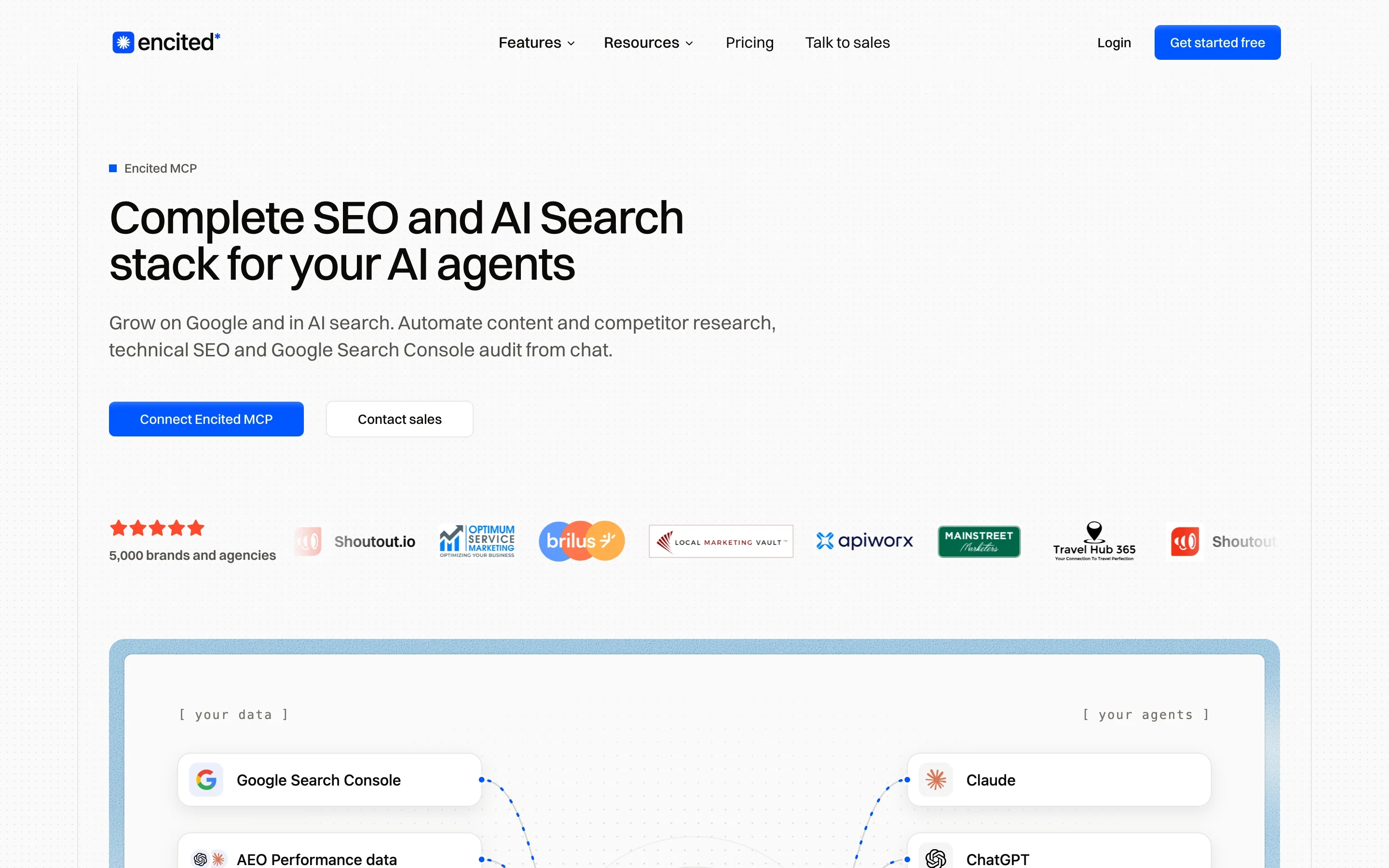
- What it is. The only server in this list with nothing to install or configure. Encited hosts and updates it. Encited MCP is free, and the Search Console tools need no plan.
- Setup. Add
https://encited.com/api/mcpto your AI app, sign in to Encited, then connect Google from a link, as in the steps below. - Google sign-in. Your own Google account. Encited stores the connection, so there is no key file.
- Works in. Claude (web, desktop, Claude Code), ChatGPT, Cursor, Codex and Lovable, and any cloud agent, remote desktop or VM whose AI app supports remote MCP servers.
- Tools. Totals, queries, pages and filtered analytics, with no sitemap or Indexing API tools. URL inspection comes with Index Rush on paid plans. It also exposes a free SEO audit spider that goes through your pages to find issues, which your agent can then fix.
- Limits. Up to 500 rows per call, with paging.
- Workflows. Paid plans add complex workflows: auditing Search Console for decay, quick wins, keyword cannibalization and poaching, internal linking, competitor analysis and more. Essential is $49 a month, with a 14-day free trial.
- Suits. Anyone whose agent doesn't run on their own computer, people who work in claude.ai or ChatGPT, and teams.
Does it work in cloud agents and remote desktops? Yes. Encited MCP runs on Encited's servers, so any AI app or agent that supports remote MCP servers connects with the same URL and sign-in, and nothing gets installed on the machine it runs on.
Can my team share one connection? Yes. One Google sign-in connects every property that Google account holds, for the whole Encited account. Each teammate signs in from their own AI app, and members with view access get read-only connections.
mcp-search-console (AminForou/mcp-gsc)
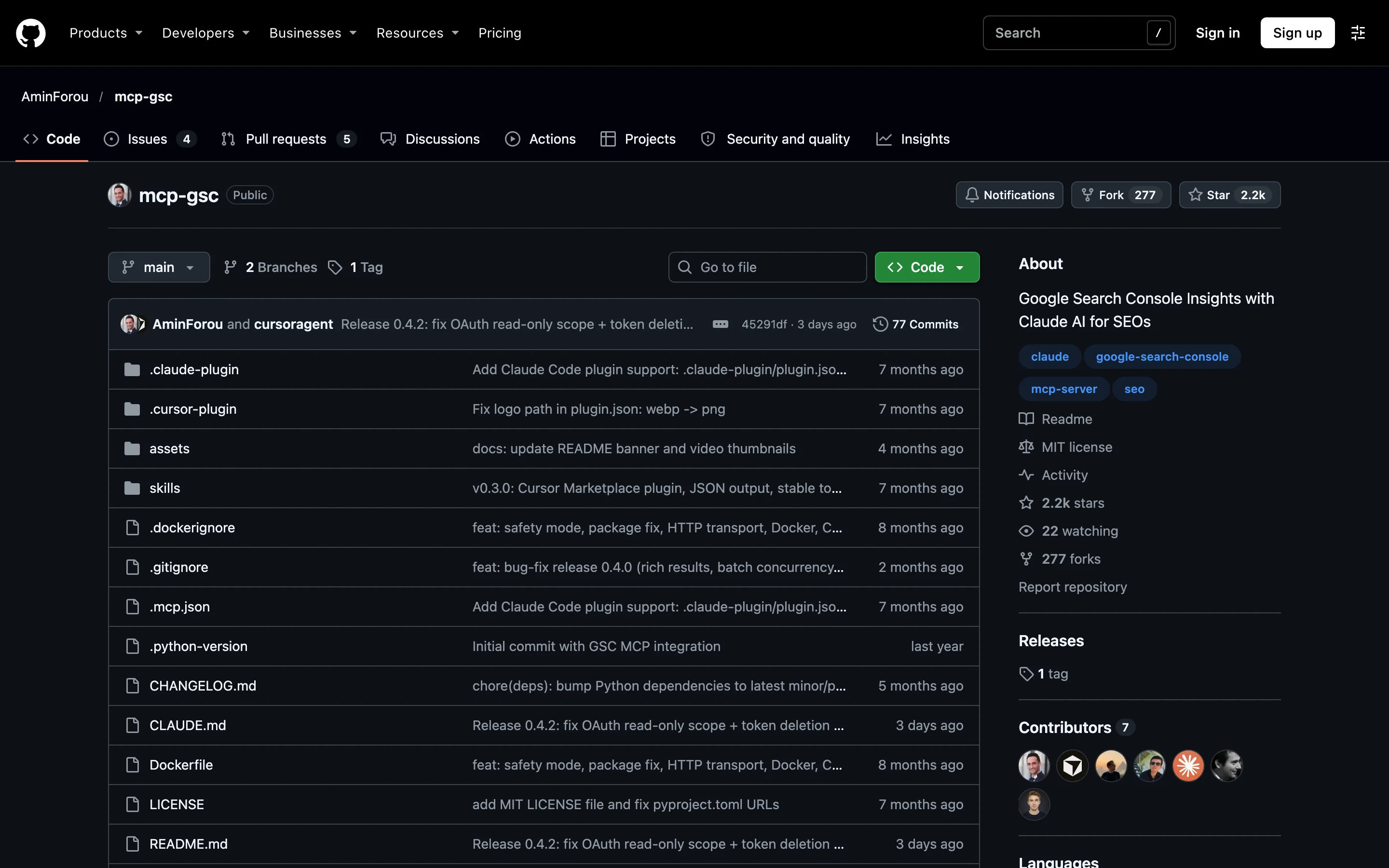
- What it is. A Python server by Amin Foroutan, the most-starred of these four. Version 0.4.2 shipped on November 5, 2026.
- Setup. A Google Cloud project, an OAuth client or service account key, uv, and a config entry (steps below).
- Works in. Claude Desktop, Claude Code, Cursor, Codex CLI and Gemini CLI. Its self-hosted SSE mode has no sign-in of its own.
- Tools. Search analytics, period comparison, URL inspection and sitemaps. No Indexing API tool.
- Access. Read-only unless you set
GSC_ALLOW_DESTRUCTIVE=true, which adds sitemap and property changes. - Limits. Up to 25,000 rows per call, with paging.
- Suits. One SEO who wants the widest set of raw tools.
Can it inspect URLs in bulk? Up to 10 per call, and each counts toward Google's 2,000 inspections a day per property.
suganthan-gsc-mcp
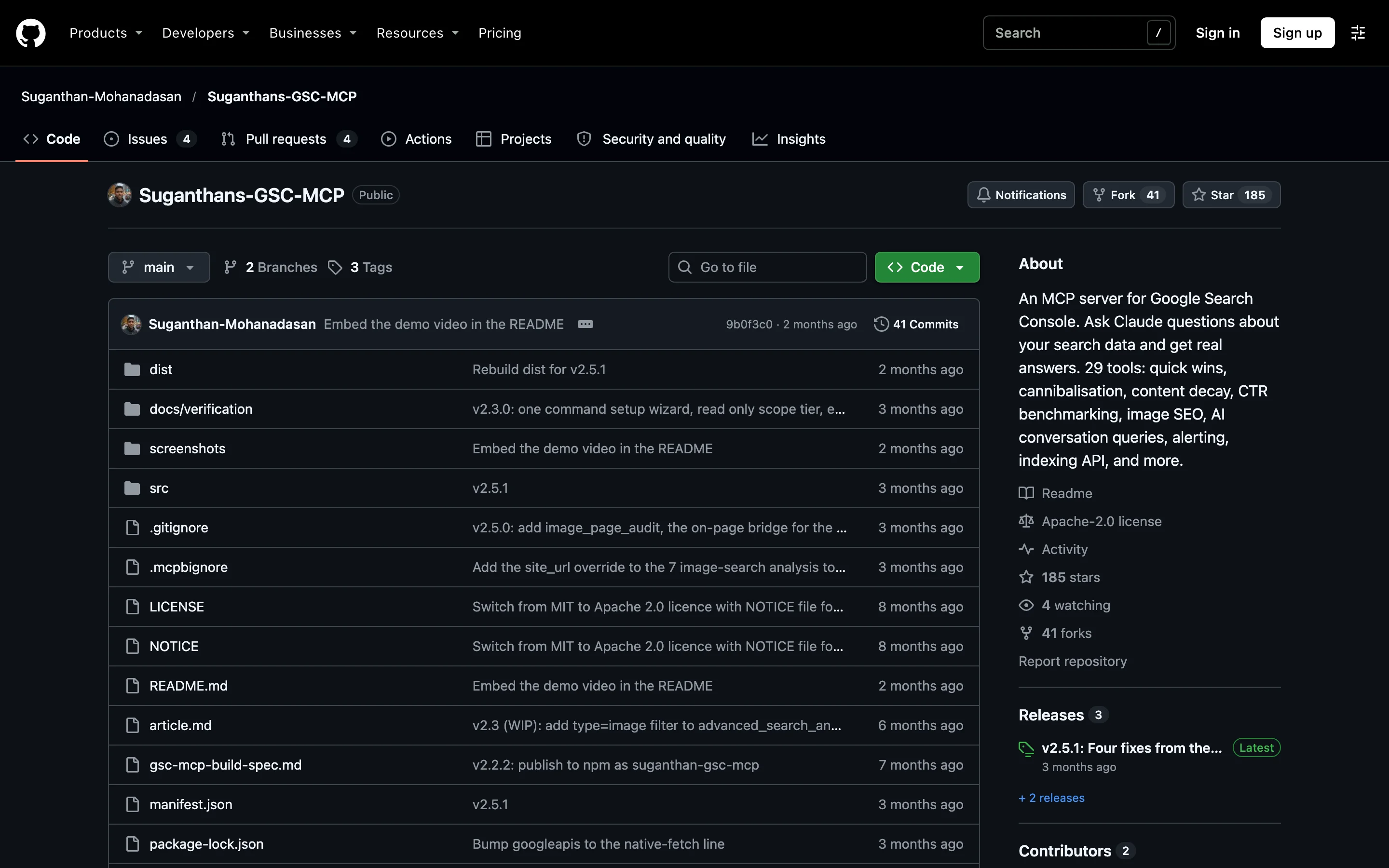
- What it is. A Node.js server that runs the analysis on your computer and returns findings. Version 2.5.1 is from August 2026.
- Setup. Create an OAuth client in Google Cloud, then run
npx -y suganthan-gsc-mcp setupto sign in and write the config. A service account also works. - Works in. Claude Desktop and Claude Code.
- Tools. Quick wins, traffic drops, decay, cannibalization, CTR benchmarks, alerts, image search, URL inspection, sitemaps and Indexing API submission, up to 200 URLs a day.
- Access. Read-only from the setup wizard. A hand-written config gets full access unless you set
GSC_SCOPES=readonly. - Limits. Custom queries return up to 500 rows. Analysis tools return only findings.
- Suits. One person on Claude who wants ready-made analysis.
Can it handle several sites? Yes. List them in GSC_SITE_URLS for the multi-site dashboard.
@sarahpark/google-search-console-mcp
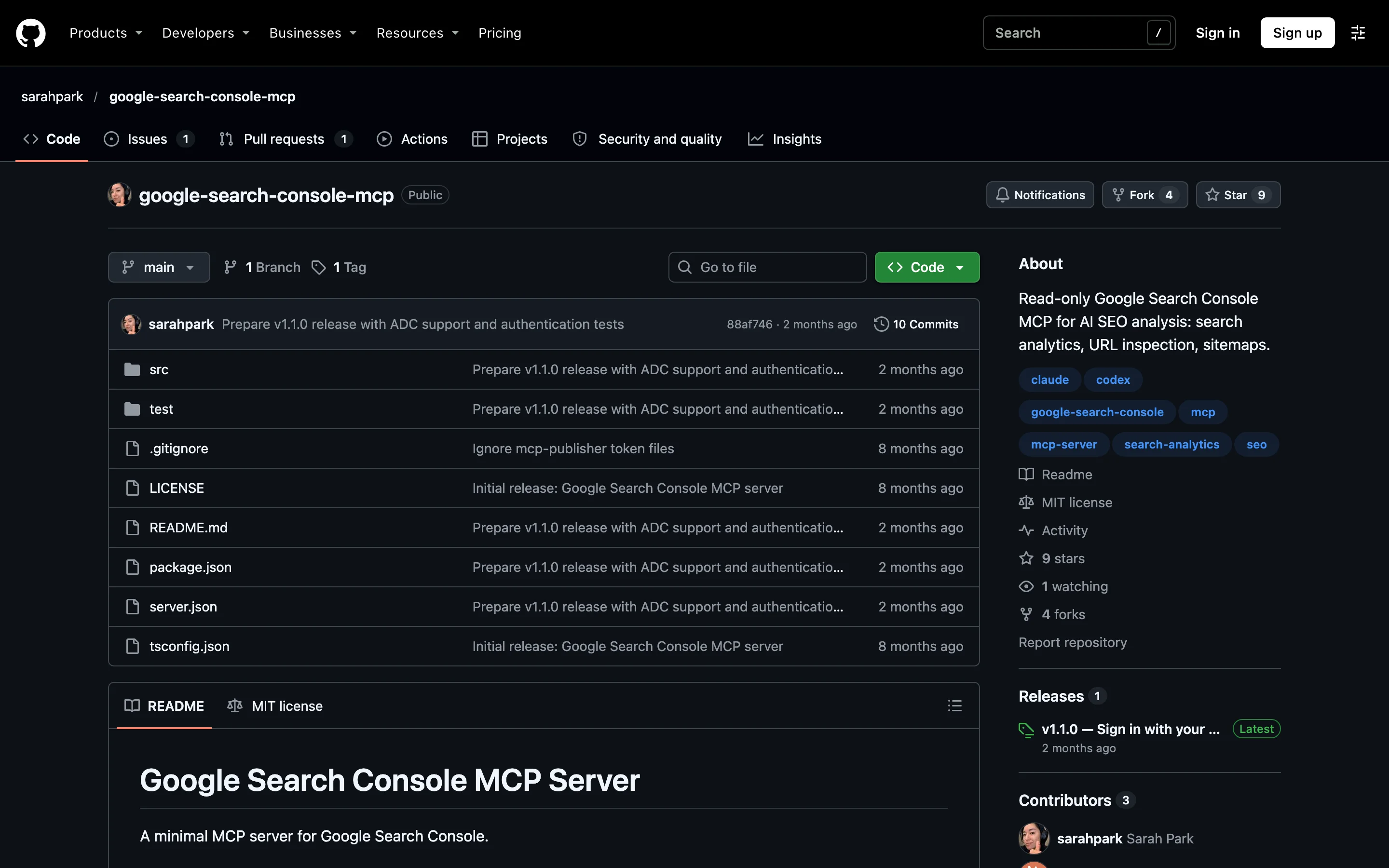
- What it is. A minimal read-only Node.js server by Sarah Park. Version 1.1.0 is from September 2026.
- Setup. A Google Cloud project, two
gcloudcommands, then oneclaude mcp addorcodex mcp addcommand. - Google sign-in. Your gcloud login (ADC) with a quota project, or a service account key.
- Works in. Codex, Claude Code and Claude Desktop.
- Tools. Property list, search analytics, single-URL inspection and sitemap list. The agent does any analysis itself.
- Limits. Up to 25,000 rows per call with no paging, all in front of the model.
- Suits. Developers who already use
gcloud.
Why sign in with gcloud? Search Console can refuse a new service account email with "email not found". Your own login uses the access you already have.
mcp-server-gsc (ahonn)
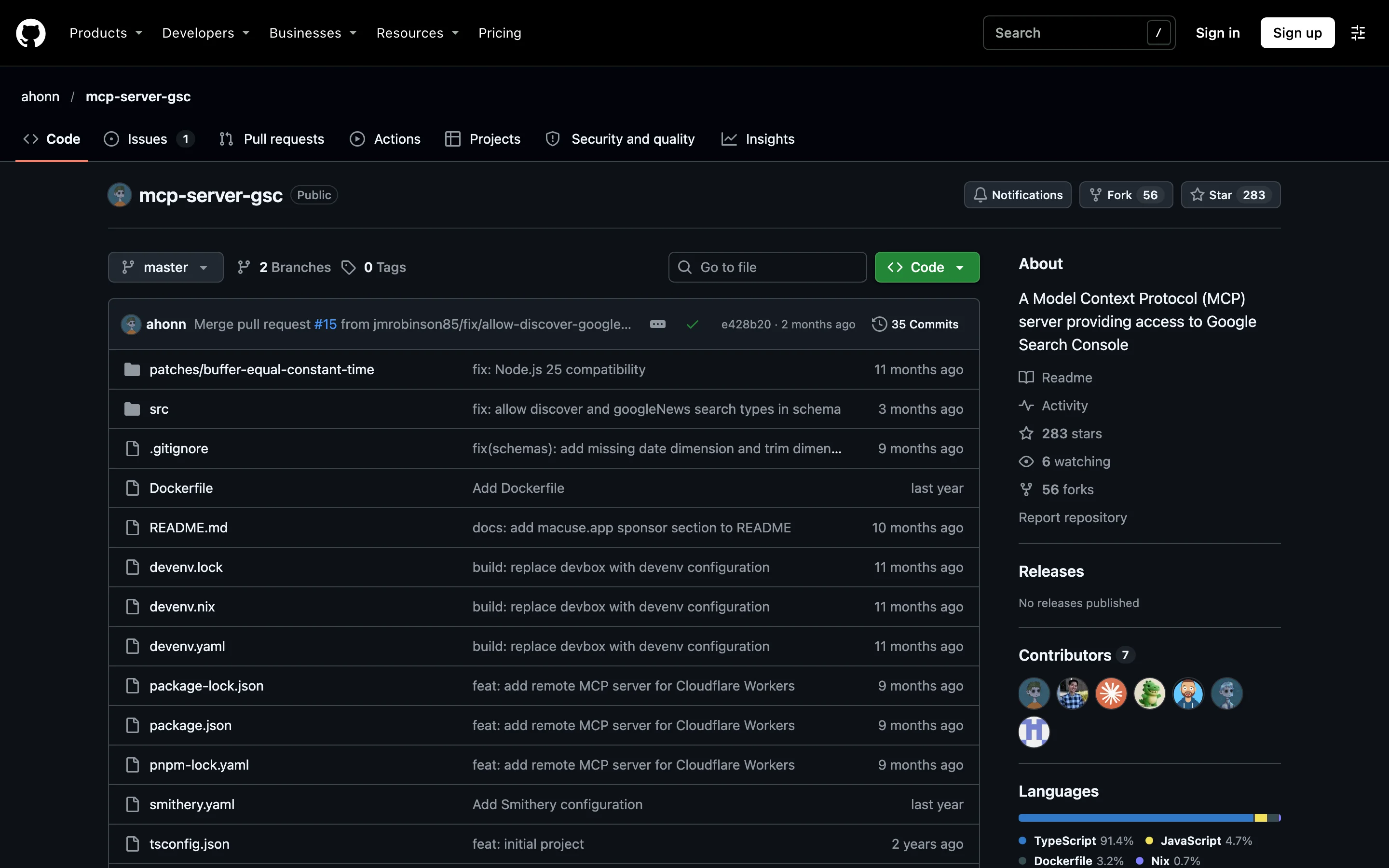
- What it is. A Node.js server by ahonn. Its latest release, 0.3.0, is from February 2026.
- Setup. A Google Cloud project and a service account key added to each property. There is no OAuth option.
- Works in. Claude Desktop and other local apps, or remotely from your own Cloudflare account.
- Tools. Search analytics with regex filters, quick-wins detection, URL inspection and sitemaps. It signs in read-only, so Google refuses its
submit_sitemapcall. - Limits. Up to 25,000 rows per call with no paging.
detect_quick_winsreads 25,000 rows and returns only the matches. - Suits. Developers who prefer a service account.
Can my team share one server? Yes, with the Cloudflare Workers version added in February 2026, which the README does not document. Everyone uses one URL and one shared token. Without the token, anyone with the URL can read your data.
How an open-source GSC MCP server signs in to Google
The OAuth and service account routes need this Google Cloud setup before your AI app can reach Search Console:
- Create a project in Google Cloud Console and enable the Google Search Console API.
- Create credentials: an OAuth client of type Desktop app, or a service account with a JSON key. Download the JSON file and keep it outside any code repository.
- For a service account, open each property in Search Console, go to Settings, then Users and permissions, and add the service account's email address.
- Install the runtime the server needs: Node.js for the npx servers, or uv for mcp-search-console.
- Add the server to your AI app's config file with absolute paths, then quit and reopen the app.
The paths to Claude Desktop's config file on macOS, Windows and Linux are in the Claude MCP guide. An OAuth entry for mcp-search-console looks like this:
{"mcpServers": {"gsc": {"command": "/Users/you/.local/bin/uvx","args": ["mcp-search-console"],"env": {"GSC_OAUTH_CLIENT_SECRETS_FILE": "/Users/you/keys/client_secrets.json"}}}}
On the first question, a browser window opens for Google sign-in, and the server saves the token for later sessions.
Common errors and their fixes
| Error | Cause | Fix |
|---|---|---|
spawn uvx ENOENT or npx not found | Desktop apps do not read your shell's PATH | Put the full path to uvx or npx in command. Find it with which uvx on macOS or Linux, or Get-Command uvx in PowerShell on Windows. |
| "requires a quota project" | ADC login without a quota project | Run gcloud auth application-default set-quota-project YOUR_PROJECT_ID. |
| Service account sees no properties | Its email was not added in Search Console | Add it under Users and permissions on each property. |
With a local server, each teammate repeats this setup on their own computer with their own credentials file. To skip the Cloud project and the key files, connect Encited MCP and sign in from your AI app.
Connect Search Console through Encited MCP
1. Add the server to your AI app. The server URL is https://encited.com/api/mcp, and sign-in is OAuth, so there is no key to copy.
- Claude: add Encited from the Claude connector directory. The full steps for claude.ai, Claude Desktop and Claude Code are in the Claude MCP guide.
- ChatGPT: open Settings, then Apps & Connectors. Under Advanced settings, turn on Developer mode. Click Create connector, paste the URL and choose OAuth.
- Codex: add
[mcp_servers.encited]withurl = "https://encited.com/api/mcp"to~/.codex/config.toml, then runcodex mcp login encited. - Cursor: add the server to
~/.cursor/mcp.json, then sign in when Cursor asks.
{"mcpServers": {"encited": { "url": "https://encited.com/api/mcp" }}}
2. Approve the connection. Pick the Encited account and read or write access. Write access lets the agent hand you the Google sign-in link in step 3. On a read-only connection, connect the property from the Encited dashboard.
3. Connect Google. Ask: "Connect Google Search Console for example.com." The agent calls connect_gsc_property and returns a link that works for one hour. Open it and pick the Google account that owns the site in Search Console. The site has to be in your Encited account first; if it is not, ask the agent to add it.
4. Check the connection. Ask: "Is Search Console connected for example.com?" The agent calls get_gsc_connection_status, which reads Encited's stored state without a call to Google. The result for encited.com, with the email replaced:
{"domain": "encited.com","status": "connected","siteUrl": "sc-domain:encited.com","permissionLevel": "siteOwner","verified": true,"googleAccountEmail": "name@company.com"}
status is connected, no_property (a Google account is connected, and none of its properties matches the domain) or not_connected.
You never type a property string. Encited matches the domain to its Search Console property, prefers a Domain property over a URL-prefix one, and shows the one it picked in siteUrl.
The Search Console tools your agent gets
| Tool | What it returns | Ask it |
|---|---|---|
get_gsc_site_health | Total clicks, total impressions, average CTR and average position for the window | "How did we do in Google over the last 28 days?" |
get_gsc_keywords | Top queries with clicks, impressions, CTR and position. 25 by default, up to 100 | "What are our top 50 queries this month?" |
get_gsc_page_analytics | Clicks, impressions, CTR and position per URL, highest impressions first, plus how many pages had impressions. 100 by default, up to 500 | "Which pages get the most impressions?" |
query_gsc_analytics | Rows grouped by any of query, page, country, device, date and search appearance, with up to 10 filters and a search type (web, image, video, news, Discover, Google News). Up to 500 rows per call, with paging | "Queries for /pricing on mobile in the US, last 90 days." |
inspect_gsc_url | Google's index verdict, coverage state, robots.txt state, last crawl time, the canonical Google picked and the one the page declares, sitemaps, referring URLs, and a link to the URL in Search Console | "Is /blog/new-post indexed? If not, why?" |
The analytics tools take a look-back of up to 90 days, or fixed from and to dates up to 365 days apart. inspect_gsc_url is part of Index Rush, which starts on the Essential plan.
audit_search_console runs the Audit Search Console workflow on the server over 7 to 365 days of data and returns striking-distance queries, low-CTR pages, cannibalized queries, snippet targets and a ranked fix plan. It costs 29 workflow credits, and Essential includes 50 a month.
Worked example: encited.com's Search Console in Claude
These are real results from Encited's own property, pulled through the tools above on November 9, 2026.
"How did encited.com do in Google over the last 28 days?" The agent calls get_gsc_site_health:
{"domain": "encited.com","siteUrl": "sc-domain:encited.com","startDate": "2026-10-12","endDate": "2026-11-09","totalClicks": 956,"totalImpressions": 84682,"averageCtr": 0.011289294064854396,"averagePosition": 19.100446375853192}
That is 956 clicks from 84,682 impressions, a 1.1% CTR, at an average position of 19.1. The totals come from Google in one row, so the model has nothing to add up.
"Which of our pages does Google show for searches that contain 'mcp', and where?" The agent calls query_gsc_analytics with one filter:
{"domain": "encited.com","dimensions": ["page"],"filters": [{ "dimension": "query", "operator": "contains", "expression": "mcp" }],"days": 28}
It gets three rows back (positions rounded):
[{ "page": "https://encited.com/", "clicks": 0, "impressions": 16, "ctr": 0, "position": 12 },{ "page": "https://encited.com/ai-visibility-tracker", "clicks": 0, "impressions": 21, "ctr": 0, "position": 69.52 },{ "page": "https://encited.com/seo-mcp", "clicks": 0, "impressions": 413, "ctr": 0, "position": 59.23 }]
The /seo-mcp page earns 413 impressions for MCP searches at an average position of 59, page six, and no clicks.
"List the queries behind that." The agent sends the same filter with "dimensions": ["query"] and "limit": 25. Six of the 25 rows:
| Query | Impressions | Position |
|---|---|---|
| mcp for seo | 54 | 67.8 |
| mcp seo | 47 | 72.0 |
| mcp seo. my location is usa. | 42 | 12.0 |
| keyword research mcp | 41 | 68.5 |
| ai brand visibility mcp | 21 | 69.5 |
| i am an seo professional, recommend me mcp seo | 7 | 16.1 |
Some rows are whole prompts, and two begin with "context: location: united states". To drop those, the agent adds a second filter: { "dimension": "query", "operator": "excludingRegex", "expression": "^context:" }. The result also says hasMore: true, so the agent can call again with offset: 25 for the next page.
Row limits, quotas and made-up numbers
Every Search Console MCP server sits on the same Google limits:
- Rows per request. The Search Analytics API returns up to 25,000 rows per request, 1,000 by default, and pages with a start row. Google's performance data deep dive puts the API's upper limit at 50,000 rows per day, per site, per search type.
- Hidden queries. Search Console leaves anonymized queries, the ones few people search, out of every query table. They still count in the totals unless you filter by query. A model that adds up query rows reports a smaller number than Search Console shows.
- Fresh data. The newest 2 to 3 days are incomplete.
- URL inspection quota. Google allows 2,000 inspections per day and 600 per minute per property, shared by every tool that inspects that property (usage limits).
Spend inspections on the pages with a problem. For the rest of the site, Index Rush lists every sitemap URL Google has not indexed yet, with the indexed pages that link to each one and which of those to get recrawled. Your agent reads the same data through get_index_rush_pages and get_index_rush_inbound_links.
How to stop the AI from making up Search Console numbers
- Take totals from a totals tool such as
get_gsc_site_health. Never ask for a sum of rows. - Keep result sets small: filter by page, query, country or device, and page through rows.
- Ask the agent to name the tool, dates, dimensions and filters behind every number. Encited's results carry
siteUrl,startDateandendDatefor this. - Check one number against the Search Console interface with the same dates and filters.
Paste this into your AI app's custom instructions or project instructions:
When you report Google Search Console numbers, take every number from a tool result.Name the tool, date range, dimensions and filters you used for each one.Do not add up rows to get a total. Call a totals tool for totals.If a number is not in a tool result, say that you do not have it.
Prompts to try
Each of these works in Claude, ChatGPT or Cursor once Encited MCP is connected. Add your domain to each prompt.
Weekly digest. For an AI app that runs scheduled tasks.
Set up a scheduled task that runs every Monday at 9am: compare our Search Console for thelast 7 days with the 7 days before. Show total clicks, impressions and average position withthe change. Then list the 10 pages that gained the most clicks, the 10 that lost the most, andthe 10 queries that moved the most.Use Encited's Search Console tools.
Titles and headings for your top queries.
Pull our top 50 queries by impressions from the last 28 days, and the title and H1 of everypage from our last technical SEO audit. Match each query to the page that should rank for it.Where the title or H1 does not contain the query, write a new title under 60 characters and anew H1 that do. Return a table: query, page, current title, new title, new H1.
Why a page is not indexed.
Check whether this page is indexed, when Google last crawled it, and which canonical Googlepicked. If it is not indexed, give me the reason and the one fix to make first.Use Encited's Search Console inspect and Index Rush tools.
A ranked fix plan.
Audit our Search Console data for the last 365 days with the Audit Search Console workflow.Give me the fix plan in priority order: the page, the query, what is wrong, and the change to make.
FAQ
Does Google Search Console have an official MCP server?
No. As of November 2026, Google publishes an MCP server for Google Analytics and none for Search Console, so every Search Console MCP server is third-party code that calls Google's public Search Console API.
How do I connect Google Search Console to Claude, ChatGPT or Cursor through MCP?
With a hosted server such as Encited MCP, add https://encited.com/api/mcp to your AI app, sign in, and open the Google sign-in link the agent returns. With an open-source server, set up a Google Cloud project and credentials, then add the server and the path to your credentials file to your app's config file.
Should I use a service account, Application Default Credentials or OAuth?
OAuth signs in as you and reads every property your Google account can see, which suits one person. A service account is a separate Google identity with a JSON key file that you add to each property, which suits a server or a scheduled job. Application Default Credentials reuse your Google Cloud CLI login and need a quota project.
How do I stop Claude or ChatGPT from making up Search Console numbers?
Take totals from a totals tool, keep result sets small with filters, and ask the agent to name the tool, dates, dimensions and filters behind every number. Then check one number against the Search Console interface with the same dates and filters.
Why does my GSC MCP server return no data for my property?
Usually the property string has the wrong format. A Domain property is sc-domain:example.com, and a URL-prefix property is the full URL with its protocol and trailing slash, such as https://example.com/, so ask the server to list your properties and copy the exact value. Encited MCP takes the plain domain and picks the matching property for you.
What are the row limits when you query Search Console through MCP?
Google's Search Analytics API returns up to 25,000 rows per request and up to 50,000 rows per day per site per search type. Query tables leave out rare queries for privacy, so query rows never add up to the site total. Encited's query tool returns up to 500 rows per call and tells the agent when more rows are waiting.
Can a Search Console MCP server change my Search Console settings?
Some can. Since version 0.4.2, mcp-search-console signs in read-only unless you set GSC_ALLOW_DESTRUCTIVE=true, which lets it submit and delete sitemaps and add and remove properties. suganthan-gsc-mcp with full access submits sitemaps and sends URLs to Google's Indexing API. Encited's Search Console tools only read data and inspect URLs.
Can an MCP server request indexing in Google?
Not the way the Request indexing button does, because Google offers no API for that button. Some servers send URLs to Google's Indexing API, which Google documents for job posting and livestream pages only. Encited's inspect_gsc_url returns a link that opens the URL in Search Console, where you click Request indexing.
How far back can I query Search Console data through MCP?
Google keeps 16 months of performance data, the same as the Search Console interface, and every server reads inside that window. Encited's analytics tools take a look-back of up to 90 days, or fixed dates up to 365 days apart.
How much does a Google Search Console MCP server cost?
Open-source servers and Google's Search Console API are free, and the cost is your setup time. Encited MCP is free, and its Search Console tools need no plan. URL inspection and the Search Console workflows start on Essential at $49 a month.