Canonical URL checker
Canonical URL checker
Check the canonical tag on any page. See whether it points to itself or another URL, find conflicts between the HTML and the HTTP header, test the target's status, and compare the canonical after JavaScript runs.
Mozilla/5.0 (compatible; Googlebot/2.1; +http://www.google.com/bot.html)How to check a canonical URL
Enter the URL
Paste the page you want to check. The checker follows any redirects and reads the final page.
Pick the crawler
Googlebot is the default. Pick Bingbot or an AI crawler to see the canonical that bot gets.
Read the canonical
The checker reads the rel=canonical link in the HTML and the canonical HTTP header, and says whether the page points to itself or to another URL.
Check the target and the rendered page
When the canonical points elsewhere, the checker fetches that URL too. Then render the page to see if JavaScript changes the canonical.
What the canonical checker checks
- HTML and HTTP header
- The rel=canonical link in the <head>, a canonical tag in the body that Google ignores, and the canonical in the Link HTTP header.
- Self or other URL
- Whether the canonical points to the page itself or asks Google to index another URL in its place.
- Conflicts
- More than one canonical URL, a header that disagrees with the HTML, a relative URL, a fragment, or a different protocol or host.
- The canonical target
- The status code of the canonical URL, any redirects on the way, a noindex on the target, and a target that names yet another canonical.
- Noindex
- A noindex meta tag or X-Robots-Tag on the page itself, which conflicts with a canonical.
- JavaScript
- The canonical after a browser render, compared with the one in the server HTML: added, removed or changed by JavaScript.
Canonical tag in the HTML or the HTTP header
For an HTML page, add a rel=canonical link to the head. Google only accepts it in the head section, so a tag printed in the body is ignored.
<head>
  <link rel="canonical" href="https://example.com/dresses/green-dress" />
</head>
For a file with no HTML, such as a PDF, send the canonical as a Link HTTP header. Use one method per page, and make both name the same URL if you use both.
HTTP/1.1 200 OK
Content-Type: application/pdf
Link: <https://example.com/guides/size-chart.pdf>; rel="canonical"
Common canonical mistakes and how to fix them
- Several canonicals
- A theme and an SEO plugin both print one, or the HTML and the HTTP header disagree. Google asks for one canonical per page.
- Canonical to a redirect
- The canonical points to a URL that redirects, for example after a move from http to https or to a new path. Point it at the final URL.
- Canonical to an error
- The canonical points to a page that returns 404 or 500. Google can't use it.
- Canonical with noindex
- Google doesn't recommend noindex for choosing a canonical within one site, because it removes the page from search completely.
- Every page to the home page
- A template that prints the home page URL as the canonical on every page asks Google to drop all of them.
- Canonical set by JavaScript
- The server HTML says one URL and the app changes it after load. Google asks that JavaScript doesn't change the canonical link element.
Canonical checker FAQ
More free SEO tools
- SEO Audit30 checks for crawlability, SEO, and AI readiness
- Crawler SimulatorSee what 100+ search and AI bots get from your page
- Googlebot SimulatorFetch your page as Googlebot Smartphone or Desktop
- Verify GooglebotCheck if a crawler IP really belongs to Google
- Redirect CheckerTrace redirect chains and the status code of each hop
- Robots.txt CheckerCheck which crawlers are allowed or blocked
- OG Image CheckerCheck OG images and preview social link cards
- Meta Tag AuditAudit meta tags and generate a fix prompt
- AI Readiness CheckerCheck if ChatGPT, Claude and Perplexity can read your site
- HTML to MarkdownConvert HTML or a URL to clean Markdown
- llms.txt GeneratorGenerate and validate an llms.txt file
- Hreflang CheckerValidate hreflang codes and return links
Related guides
- Alternate Page with Proper Canonical Tag: What It Means and When to Fix It
- Duplicate Without User-Selected Canonical: What It Means and How to Fix It
- Crawled - Currently Not Indexed: What It Means and How to Fix It
- Discovered - Currently Not Indexed: What It Means and How to Fix It
- JavaScript Redirects and Links: What Counts for SEO and What Crawlers Skip
- How Google Renders JavaScript
“Encited has become my go-to for all Lovable projects. I saw an uptick in crawls almost immediately after switching. Honestly one of the best dev/SEO tools I’ve used. Aki was also amazing on support. Love it!”







Find every redirect chain on your site
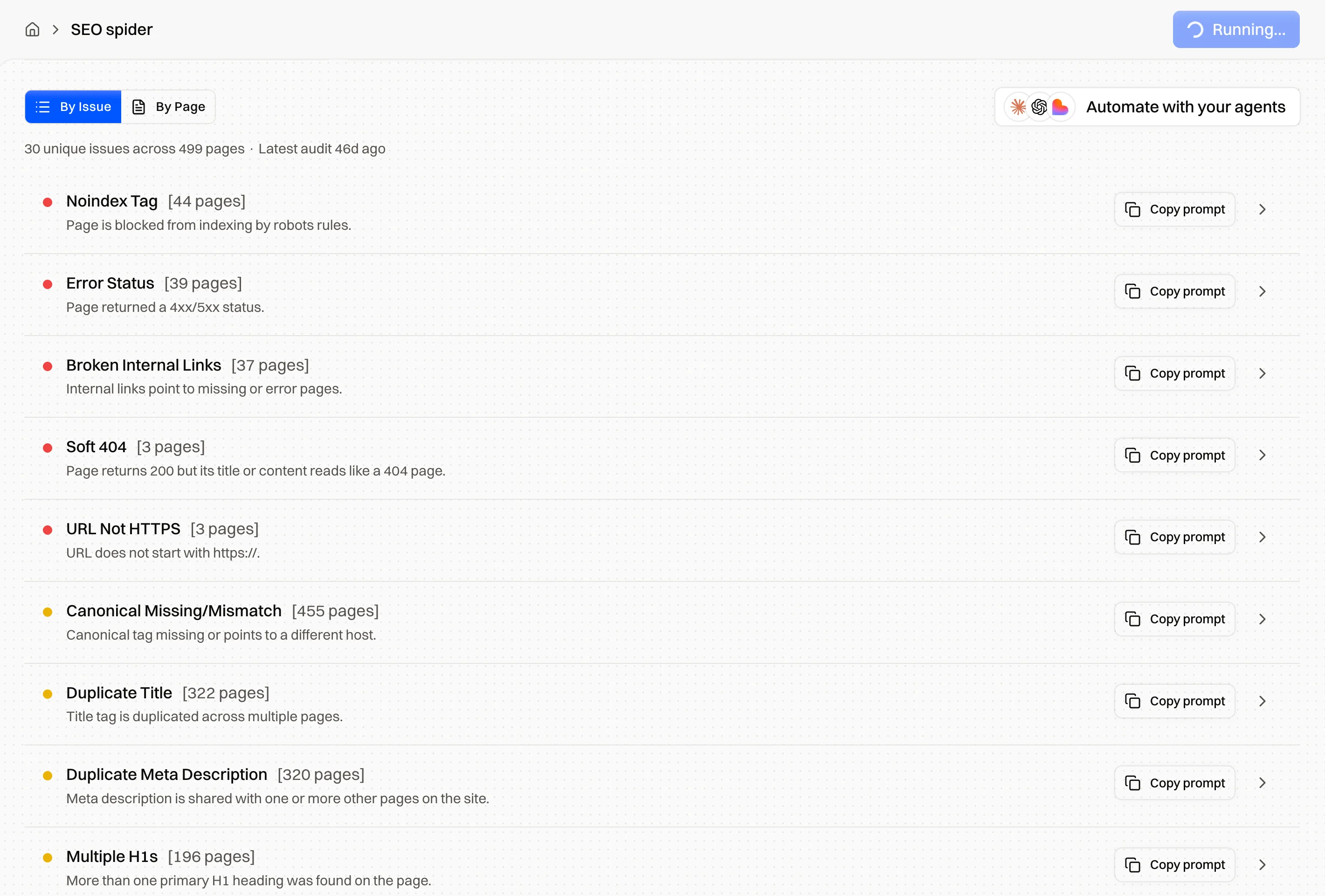
The site audit crawls every page and lists each redirect chain, loop and broken redirect, with the fix for each one.
- Redirect chains, loops and 4xx targets in one list
- Every issue comes with a recommended fix
- Copy the fixes as a prompt for your coding agent