Redirect checker
Redirect checker and redirect chain tracer
Trace every redirect from a URL to its final page. See the status code of each hop, find chains and loops, and test the path as Googlebot or an AI crawler.
Mozilla/5.0 (compatible; Googlebot/2.1; +http://www.google.com/bot.html)How to check a redirect
Enter the URL
Paste the old URL, the short link or the page you moved. The checker starts there and follows every redirect.
Pick the crawler
Googlebot is the default. Pick Bingbot, GPTBot, ClaudeBot, PerplexityBot or another crawler to see the redirects that bot gets. Some sites redirect by user agent.
Read the redirect path
Each hop shows its URL, its status code and how long it took. The last line is the final URL and the status it returns.
Fix what the checks flag
A chain, a loop, a temporary redirect or a final error each get a check. For a chain, copy the one-hop 301 rule for Apache, Nginx or Netlify.
What the redirect checker checks
- Status codes
- The status of every hop: 301, 302, 303, 307 and 308 redirects, and the 2xx, 4xx or 5xx status of the final URL.
- Redirect chains
- How many hops sit between the first URL and the final URL, with the time each hop took.
- Redirect loops
- A redirect that points back to a URL earlier in the chain. The checker stops the loop and shows where it starts.
- Client-side redirects
- A meta refresh tag or a script that sets the location on the final page. Crawlers that do not run JavaScript do not follow a JavaScript redirect.
- Canonical and headers
- The canonical URL of the final page and its X-Robots-Tag header, so you can see if the redirect lands on a page that can be indexed.
- Crawler user agents
- Each check runs with the user agent you pick: Googlebot Smartphone and Desktop, Bingbot, and AI crawlers such as GPTBot, ClaudeBot and PerplexityBot.
301 vs 302 vs 307 vs meta refresh
- 301 Moved Permanently
- The page moved for good. Google uses a 301 as a strong signal that the new URL should be indexed in place of the old one.
- 308 Permanent Redirect
- Same as 301 for Google. A 308 also tells the browser to keep the request method, so a form POST stays a POST.
- 302 Found
- A temporary move. Google follows it, but treats it as a weak signal and can keep the old URL in its index.
- 307 Temporary Redirect
- Same as 302 for Google, and it keeps the request method. Browsers also show an internal 307 when HSTS makes them switch http to https on their own. That 307 never left your server.
- 303 See Other
- Sends the browser to another URL with a GET, usually after a form submit. Do not use it to move pages.
- Meta refresh
- A tag in the HTML that sends the browser on. Google reads an instant meta refresh as permanent and a delayed one as temporary.
- JavaScript redirect
- A script that sets window.location. Google follows it only after it renders the page, and many other crawlers never run it. Use it only when you cannot redirect on the server.
Redirect chains, loops and SEO
- Redirect chain
- A → B → C. Each hop is another request before the page loads. Chains grow when a site moves twice, for example http to https and then to a new path.
- Redirect loop
- A → B → A. The page never loads. Browsers show an error, and crawlers drop the URL.
- The 10-hop limit
- Google's crawlers follow up to 10 redirect hops. After that, Search Console reports a redirect error and the page is not indexed.
- Crawl budget
- Each hop is one more fetch for the crawler. On a large site, chains spend crawl time that new and changed pages need.
- Speed
- Each hop adds a full round trip before the page starts to load, for visitors as well as crawlers.
Fix a redirect chain
Replace each chain with one 301 from the old URL to the final URL. Put the http, www and https rules in one rule, so a visitor never takes two hops to reach the canonical host.
# Apache (.htaccess): one hop from the old URL to the final URL
Redirect 301 /old-page https://example.com/new-page

# Send all http and www traffic to https://example.com in one hop
RewriteEngine On
RewriteCond %{HTTPS} off [OR]
RewriteCond %{HTTP_HOST} ^www\. [NC]
RewriteRule ^ https://example.com%{REQUEST_URI} [L,R=301]# Nginx: one hop from the old URL to the final URL
location = /old-page {
return 301 https://example.com/new-page;
}
# Send http and www to https://example.com in one hop
server {
listen 80;
server_name example.com www.example.com;
return 301 https://example.com$request_uri;
}# Cloudflare: Rules > Redirect Rules > Create rule When incoming requests match: (http.request.full_uri eq "https://example.com/old-page") Then: Type: Static URL: https://example.com/new-page Status code: 301 Preserve query string: on
Check redirects as a crawler
Some sites redirect by user agent: a mobile site, a country page, or a bot rule in a firewall. Run the same URL as Googlebot Smartphone, Googlebot Desktop and GPTBot. If the paths differ, crawlers index a different page from the one visitors see.
A firewall can also answer a crawler with a challenge page instead of a redirect. The checks flag a bot challenge on the final page.
Check redirects after a site migration
List the old URLs
Export the old sitemap, the top pages from Search Console and the pages with the most backlinks. These are the URLs that must land on a 200 page.
Map each old URL to one final URL
Point every old URL straight at its final URL. Do not chain the new rules onto old rules from an earlier move.
Check the key URLs here
Run the most important old URLs through the checker. Each one should show one 301 hop and a final 200.
Crawl the whole site
Crawl the new site to find internal links that still point at old URLs. Update those links, the sitemap and the canonical tags to the final URLs.
Watch Search Console
Check the Pages report for redirect errors and the Crawl Stats report for 3xx responses in the weeks after the move.
Redirect checker FAQ
More free SEO tools
- SEO Audit30 checks for crawlability, SEO, and AI readiness
- Crawler SimulatorSee what 100+ search and AI bots get from your page
- Googlebot SimulatorFetch your page as Googlebot Smartphone or Desktop
- Verify GooglebotCheck if a crawler IP really belongs to Google
- Robots.txt CheckerCheck which crawlers are allowed or blocked
- OG Image CheckerCheck OG images and preview social link cards
- Meta Tag AuditAudit meta tags and generate a fix prompt
- AI Readiness CheckerCheck if ChatGPT, Claude and Perplexity can read your site
Related guides
- JavaScript Redirects and Links: What Counts for SEO and What Crawlers Skip
- How to Fix 404 Errors in Google Search Console
- Soft 404 Errors: What They Mean and How to Fix Them
- Discovered - Currently Not Indexed: What It Means and How to Fix It
- Crawled - Currently Not Indexed: What It Means and How to Fix It
- How Google Renders JavaScript
- SPA SEO: Get a Single-Page App Indexed and Cited
“Encited has become my go-to for all Lovable projects. I saw an uptick in crawls almost immediately after switching. Honestly one of the best dev/SEO tools I’ve used. Aki was also amazing on support. Love it!”







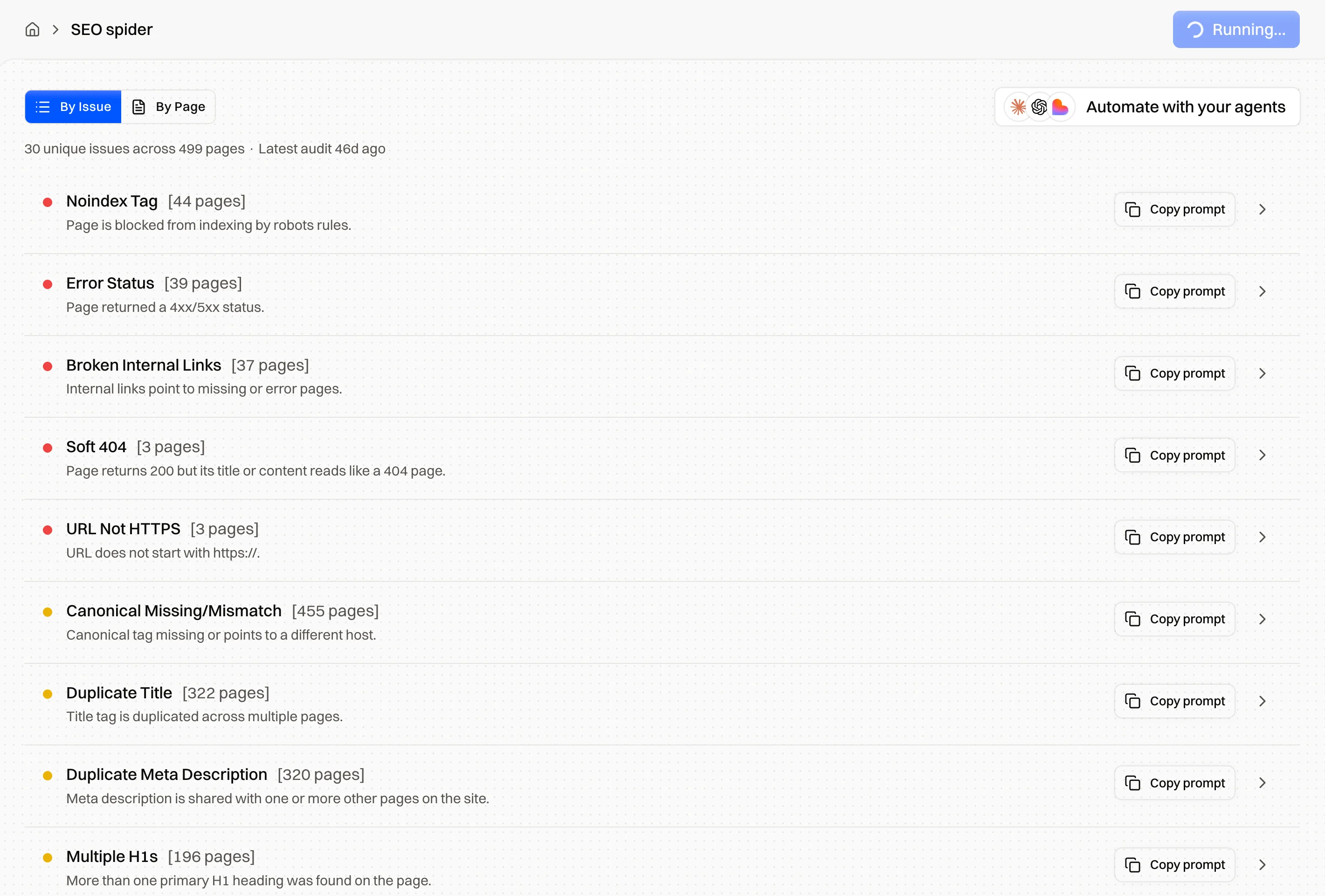
Find every redirect chain on your site
The site audit crawls every page and lists each redirect chain, loop and broken redirect, with the fix for each one.
- Redirect chains, loops and 4xx targets in one list
- Every issue comes with a recommended fix
- Copy the fixes as a prompt for your coding agent